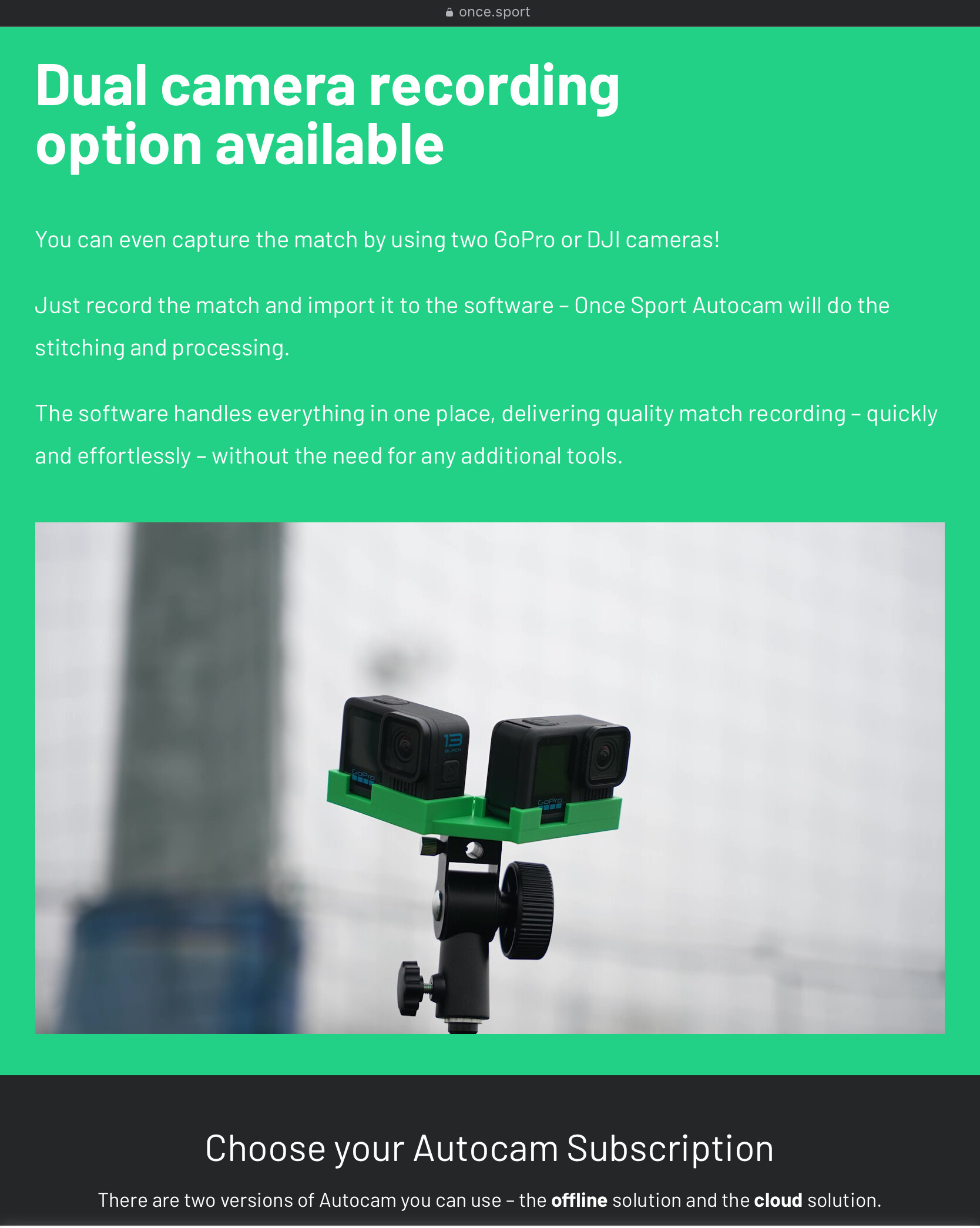
We’re excited to announce that Once Sport Autocam now supports native video stitching!
You can now stitch your action-camera footage and track the play directly inside Autocam, giving you TV-like output - all from a single app. This highly requested feature was implemented to make multi-camera workflow smoother, faster, and easier than ever.
Here is a video which explains everything new in Autocam 3.0.0.
We currently support newer GoPro cameras like Hero 11, 12 and 13 as well as the DJI Osmo Action 4. If your camera isn’t listed, you can still load your own ActionStitch calibration file. Autocam supports ActionStitch calibration files starting from version 3.0.1 - just select “Custom calibration file” in the stitching input and choose your JSON file.
If you run into calibration issues or would like us to add support for your camera, feel free to contact us at info@once.sport
We are also working on our own dual action-camera stand, so let us know if you would be interested.
I know I am very interested if actionstitch will no longer be supported as I am constantly trying to update and improve my setup to utilise actionstitch. From reading the forum, a lot of updates never eventuated.
@spoodge6 No I’m not affiliated with them. I was a bit surprised to see this post show up in the review queue but decided to approve it because some people here might find it interesting. That said, I don’t think it was a good idea to use my 3d design as is. At least make some changes for the promotion video.
I’ve also been busy working on my own AI camera. If all goes well, there should be something you can try as early as next month. For ActionStitch, the plan is to offload the stitching and tracking to the new AI camera, which should be able to process video in real time.
Hi @gchen, thanks for approving the post.
We are currently working on our own 3d design for a stand. Once we are satisfied with it, we plan to share it.
@richardstafford we don’t support these cameras yet.
Would you be willing to send us some sample stitching footage and a calibration file you used so we can try to fix the issue and support your cameras?
Hi @anesk
Newest version of Autocam already supports configuring output video resolution, bitrate and more. You will find these options in the “Output Video” tab in “Processing Setup”.
Make sure your app is up to date, current version is 3.0.3
Hi again everyone,
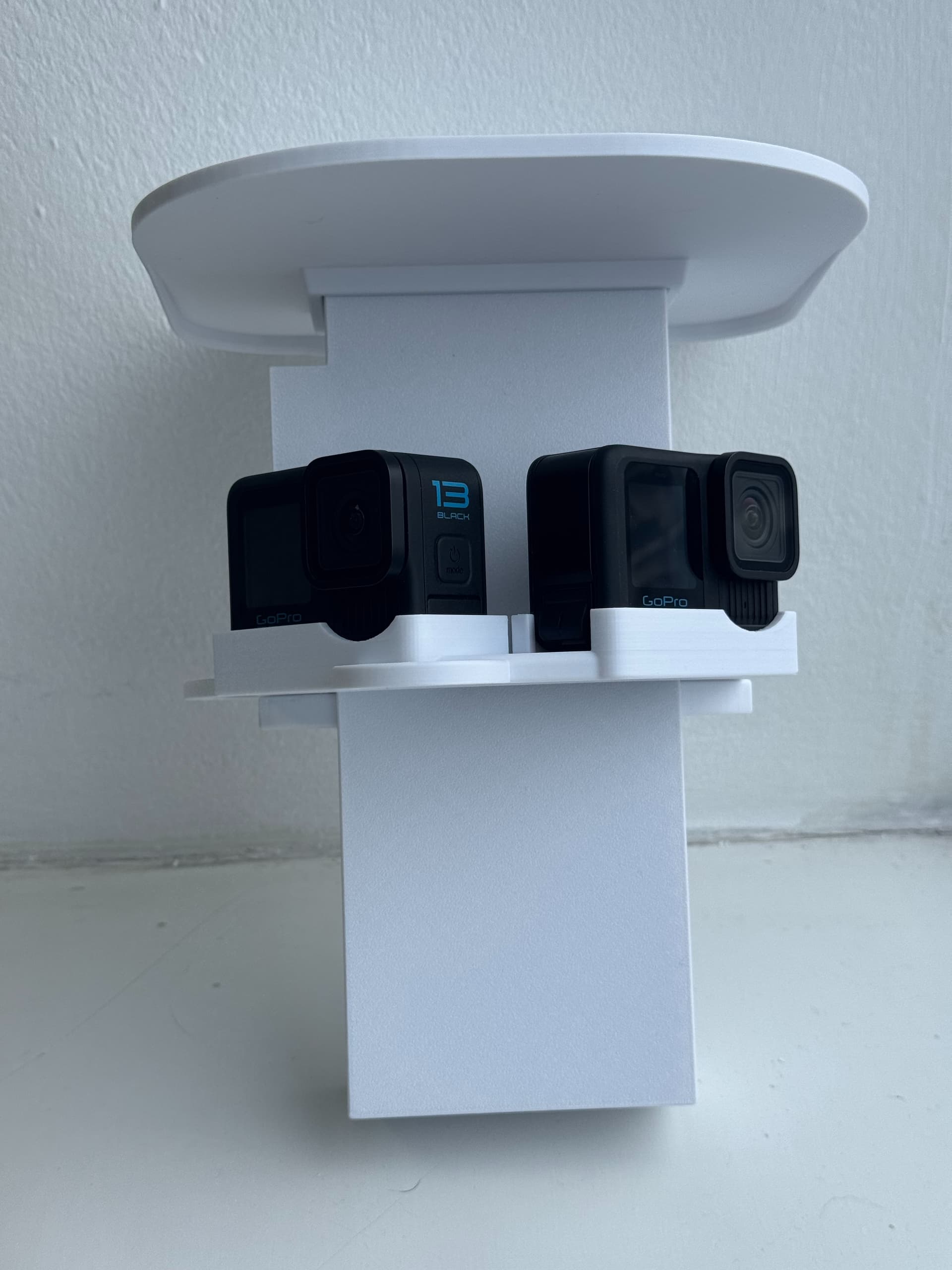
If you would like to use the .stl files for our GoPro mount, you can find them here. Feel free to modify them and share your designs with everyone here.
You will find multiple .stl files in the link. Files include a stand for the cameras and a container for the battery which lets you power your GoPro’s externally to prevent overheating. There is also a sun/rain roof which goes on top.
Looking at the product it seems like there is a monthly/yearly subscription fee for Autocam. Does this apply for running the product on my own local compute? If so that seems excessive to pay $200 a year for that. Is there is simple stitch and “tv” crop local only version that is one time fee?